Inventory management app · voice, barcode, photo

Say it, it's in stock.

Say the product, quantity and shelf in one sentence. Scan the barcode, snap the shelf, scan the delivery note. SaySay does the rest.

Stock tracking until now

Paper.
Pen.
Excel.
Count day.
11:40 PM.
Now just
say it.
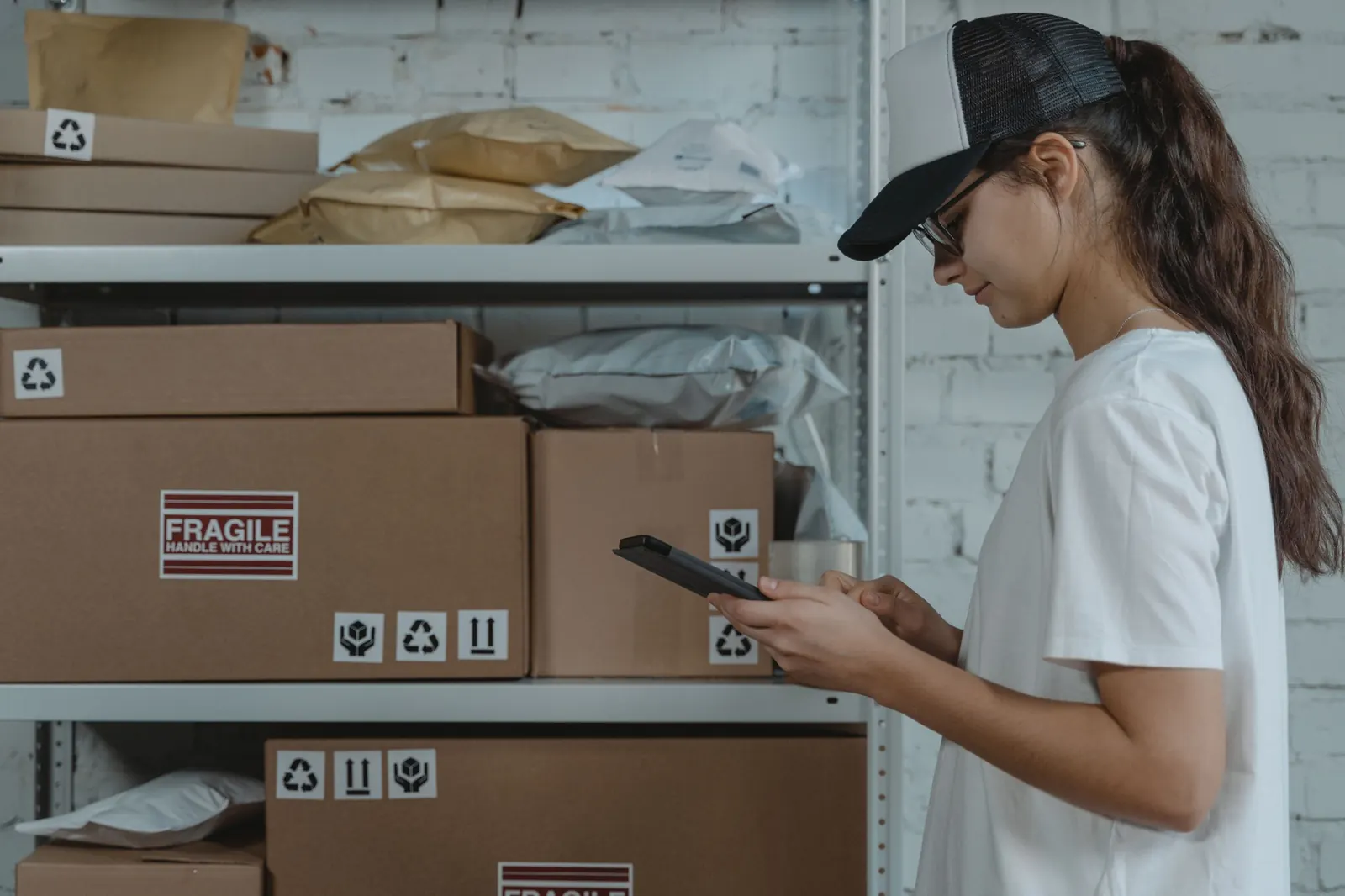
Employee checking stock on a tablet in front of a warehouse shelf

Kaya Market · Kadıköy Branch · 08:12

At the shelf.In one sentence.

By voice

Say it,it's in stock.

Say the product, quantity and shelf in one sentence. It converts cases to units; you just confirm.
By barcode

Scan, next,scan.

Show the barcode to the camera. In series mode, scan products one after another and save them in one go.
By photo

Snap the shelf,skip the counting.

One photo is enough: it recognizes the products on the shelf and counts each type. You just check and confirm.
By document

Scan the note,goods received.

It reads the lines on the note and matches them to your products. It asks about new products and drafts the rest.
Ask

Ask your stockanything.

“What should I order this week?” It checks sales speed, tells you when items will run out and prepares the order list. Forecast: Pro and Business
Stockout forecast · Pro and Business

Never run out.

Watches sales speed and warns you before stock hits the minimum. Suggests when and how much to order.
Minimum stock · 60 −14 days−7Today+7 Without an order ~2 days left Order 12 cases · +144
Pınar Milk 1L58 pcs · Shelf B3 Running low
Count

Split the count,done by noon.

Assign shelves to your team; everyone counts on their own phone. Differences on one screen, the report writes itself.
Kadıköy Branch · weekly count0%
SKSelin MKMert AYAyşe
Web panel

Start on your phone,manage on the web.

Sales channels

Sell anywhere,stock in one place.

Trendyol, Shopify and WooCommerce sales come off your stock automatically; cancellations and returns go back in. Connect your own systems and AI assistant with the open API, webhooks and the MCP server.
Plans

Start small,upgrade as you grow.

Same app on every plan; only the limits differ. Start free, and when your business grows, move to Pro or Business in the app.
FreeOne branch, small team
AI actions
0 / mo
Users
0
Branches
0
Products
0
  • Voice, barcode, photo and document entry, plus Ask
  • Running low alerts
  • Stockout forecast and order suggestions: not included
  • Marketplace sync, API, webhooks and MCP: not included
Start free
ProGrowing businesses
AI actions
0 / mo
Users
0
Branches
0
Products
Unlimited
  • Voice, barcode, photo and document entry, plus Ask
  • Running low alerts
  • Stockout forecast and order suggestions
  • Marketplace sync, API, webhooks and MCP

Upgrade in the app

BusinessMulti-branch businesses
AI actions
0 / mo
Users
0
Branches
0
Products
Unlimited
  • Voice, barcode, photo and document entry, plus Ask
  • Running low alerts
  • Stockout forecast and order suggestions
  • Marketplace sync, API, webhooks and MCP
  • Anomaly detection and expiry trackingComing soon

Upgrade in the app

Prices are shown in the app via the App Store and Google Play. The subscription belongs to the owner's store account; change or cancel it there.

Say. Scan. Count.

Your stock talks now. Start free, no card needed.

Start free Coming soonApp Store Coming soonGoogle Play

Stock tracking app

How stock tracking works with SaySay

SaySay is a mobile inventory management and stock tracking app, with a web panel, for small and mid-sized businesses such as grocery stores, corner shops, retail stores, warehouses, online shops, cafés and pharmacies. You enter stock by voice, barcode, photo and delivery note instead of typing, ask your stock questions, share the count with your team and connect your sales channels and your own systems. Turkish and English, light and dark theme.

Voice stock entry

Just say "Add 12 cases of Pınar milk to shelf B3". It understands the product, quantity and shelf from a single sentence and converts cases to units; you check before saving.

Barcode inventory

Your phone camera becomes a barcode scanner. In series mode you scan products one after another and post them to stock with one tap; no separate handheld scanner needed.

Photo stock count

Take a photo of the shelf; products are recognized and counted by type. Count differences are listed on one screen, and stock is updated when you confirm.

Delivery note scanning and goods receipt

Scan the supplier's delivery note or invoice (several pages if needed); lines are matched to your products, you pick the unmatched ones, and the stock entry or the goods receipt for an order is prepared automatically.

Ask: question your stock

Type or say "What sold most this week?" or "What should I order?". It answers briefly from your branch's data, with a chart when useful, and you can pin the answer to your dashboard. On every plan.

Stockout forecast and order suggestions

Based on sales speed it works out how many days a product will last, warns you before it drops below minimum stock and suggests an order list per supplier. On the Pro and Business plans.

Counting with your team and branches

Assign shelves to your team and everyone counts on their own phone: blind count, by barcode or by hand. Stock is kept separately per branch and warehouse, and with roles and permissions you decide who sees what.

Suppliers, orders and transfers

Create an order by hand or from a suggestion, send it to the supplier by WhatsApp, email or PDF and receive it when it arrives, partially if needed. In branch transfers the receiving branch counts what came and notes any shortage.

Marketplace and e-commerce integration

Sales on Trendyol, Shopify and WooCommerce come off your stock automatically; cancellations and returns go back in, and products are matched with AI suggestions. Hepsiburada, ikas, Paraşüt, Amazon, Logo and Mikro are coming soon.

Open API, webhooks and automation

Scoped API keys, signed webhooks (stock changed, running low, count completed, order received) and templates for n8n, Make and Zapier. With the MCP server, AI assistants such as Claude or ChatGPT connect to your stock.

Web panel and reports

Pick up on your computer what you started on your phone: products, movements, counts, orders, notifications and reports (sales, stock value, waste, count differences) in your browser, in the web panel.

Import and export

Import products and suppliers from Excel or CSV by mapping columns; download lists, counts and reports as Excel and print shelf labels as PDF. You can get a copy of your data in a single file.

Frequently asked questions

Is SaySay free?

Yes, you start on the Free plan without entering card details. As your business grows you can move to the Pro or Business plan in the app; prices are shown on the App Store and Google Play.

Do I need to buy a barcode scanner?

No. Your phone's camera reads the barcode; in series mode you can scan products one after another.

Can I track more than one branch or warehouse?

Yes. Product cards are shared, while stock and counts are kept separately for each branch and warehouse. The number of branches depends on your plan.

Are my voice recordings and photos stored?

Voice is not recorded; speech is turned into text on your phone and only the text is processed. Shelf and document photos are uploaded only for processing and deleted once the job is done (30 days at most). Details are on the support page.

Which devices does it run on?

The mobile app on iPhone and Android phones (tablets included), the web panel on your computer. Voice, photo and document entry are on mobile; API keys, webhooks and reports are in the web panel. The app is in Turkish and English, in light and dark theme.

Can I connect it to my own system or AI assistant?

Yes. Connect your own software, n8n, Make and Zapier with the open API and webhooks, and assistants such as Claude or ChatGPT through the MCP server. On the Pro and Business plans; details on the support page.

For more, visit the help center or start free.